 Neueste funktionen
Multiple Zoom accounts in a single Greenhouse instance
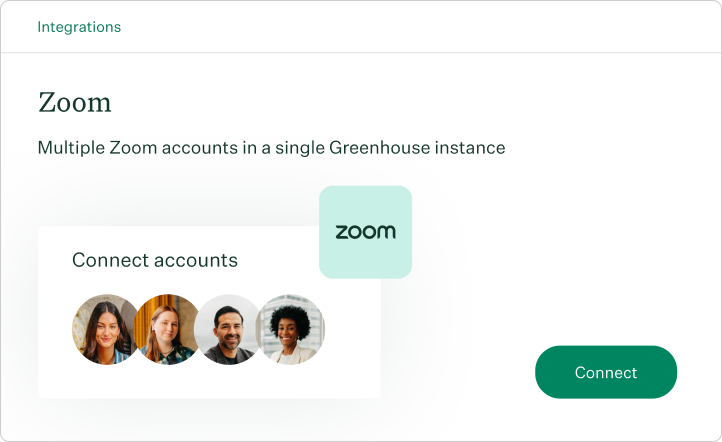
Built for organizations that don't run on one Zoom account
Most growing organizations don't have one Zoom tenant – they have several. A regional business unit might run on its own account. An acquired company might keep its existing tenant. A new geography might be onboarding a fresh Zoom org for compliance reasons. Until now, all of that complexity collided with a single Zoom connection per Greenhouse instance, forcing either workarounds or unnecessary tenant consolidation just to make recruiting work.
Multiple Zoom accounts on the integrations page removes the constraint.
What teams can do:
- Connect more than one Zoom account to a single Greenhouse organization
- Route interview meeting creation to the right tenant based on the appropriate scoping for your business
- Audit and disconnect individual Zoom connections without affecting the others
- Verify Zoom webhook events correctly across all connected accounts
Why it matters
Enterprise hiring stacks reflect enterprise organizational complexity. A scheduling experience that can only see one Zoom tenant forces customers to compromise on either tenant strategy or recruiting workflow. Multi-Zoom support means the integration adapts to the customer, not the other way around.
